

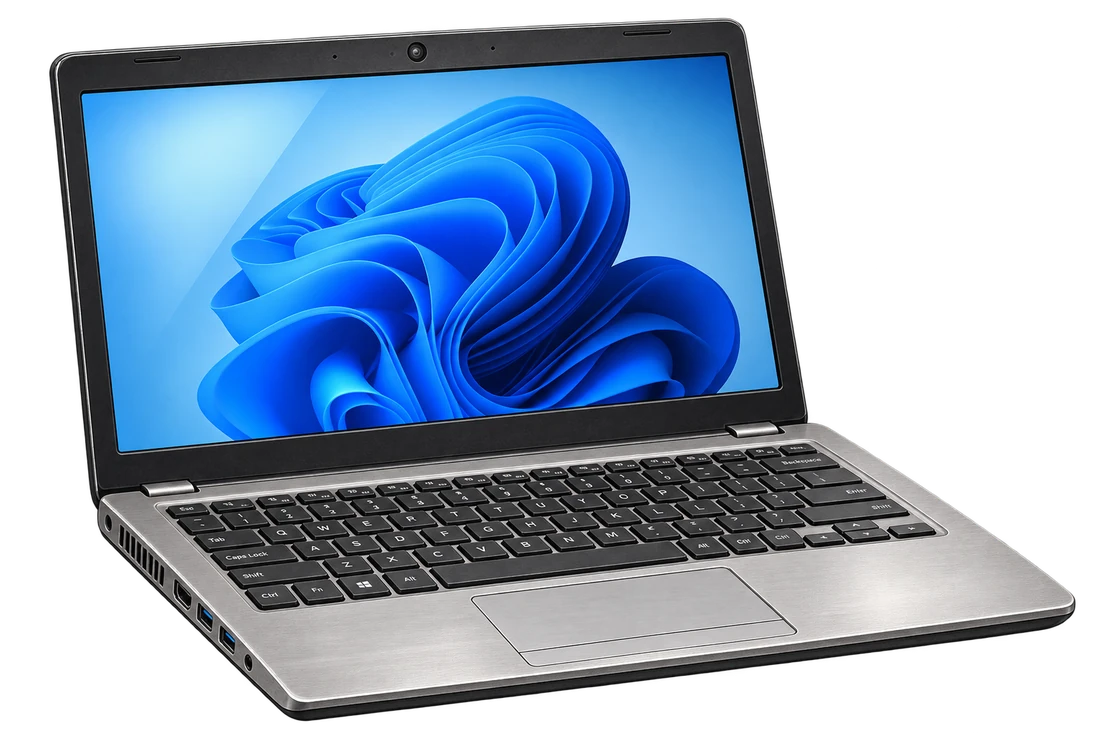
 Hover to see it fixed
Computer & laptop repair
Hardware repair, upgrades, and virus removal — for machines that deserve another few years, not the recycling bin.
What’s included
- Hardware repair — screens, keyboards, batteries, hinges, and ports
- Memory and storage upgrades to bring an aging machine back to speed
- Virus and malware removal, done properly rather than papered over
- Boot-failure diagnosis for machines that won’t start or won’t get past a logo
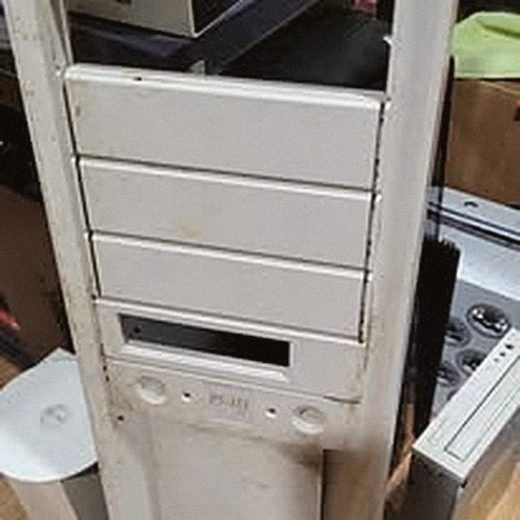
- Desktop tower repair and upgrades, not just laptops
Common problems
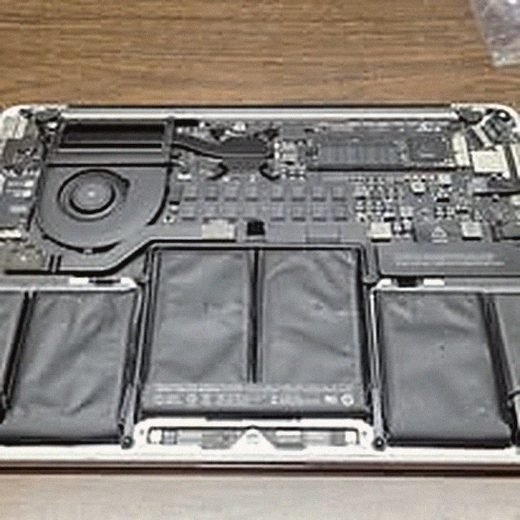
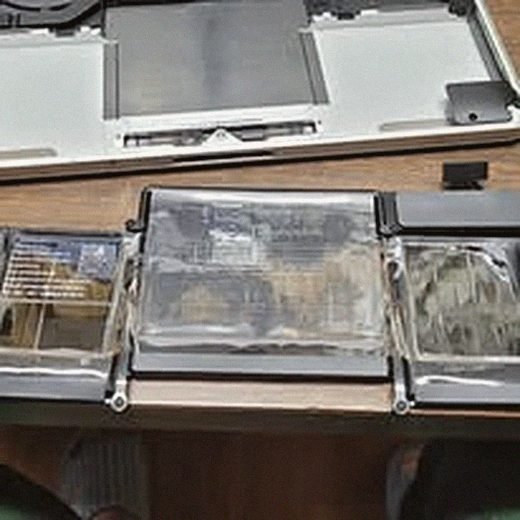
A laptop that won’t hold a charge, or that swells at the battery, needs the battery replaced — not the whole machine. It’s one of the most common repairs on the bench and usually one of the most worthwhile.
Machines that have gotten slow over the years are rarely broken; they’re usually full of startup bloat, a failing hard drive, or actual malware. A proper cleanup and, where it helps, a swap to a solid-state drive often makes an old machine feel new again.
A computer that won’t boot at all — black screen, no chime, stuck on a logo — gets opened up and diagnosed at the component level rather than guessed at. Sometimes it’s the drive, sometimes the motherboard, and knowing which one matters before you spend money.
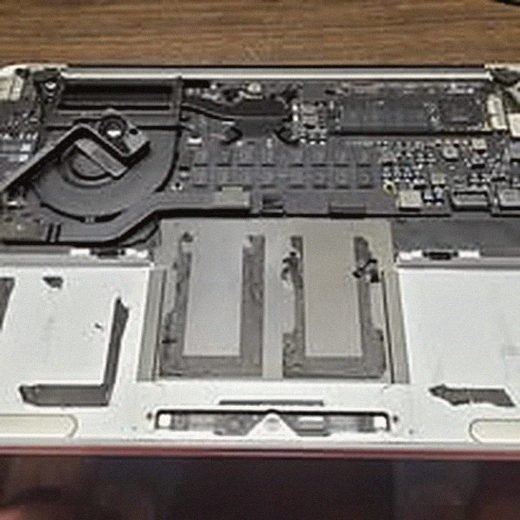
From the bench
Real repairs, not stock photography.

What it costs
Diagnosis comes first, and it’s free to talk through the symptoms by phone or email. Battery and storage upgrades are generally affordable; board-level repairs depend on the part. If a repair costs more than a comparable used machine, you’ll be told that plainly.