
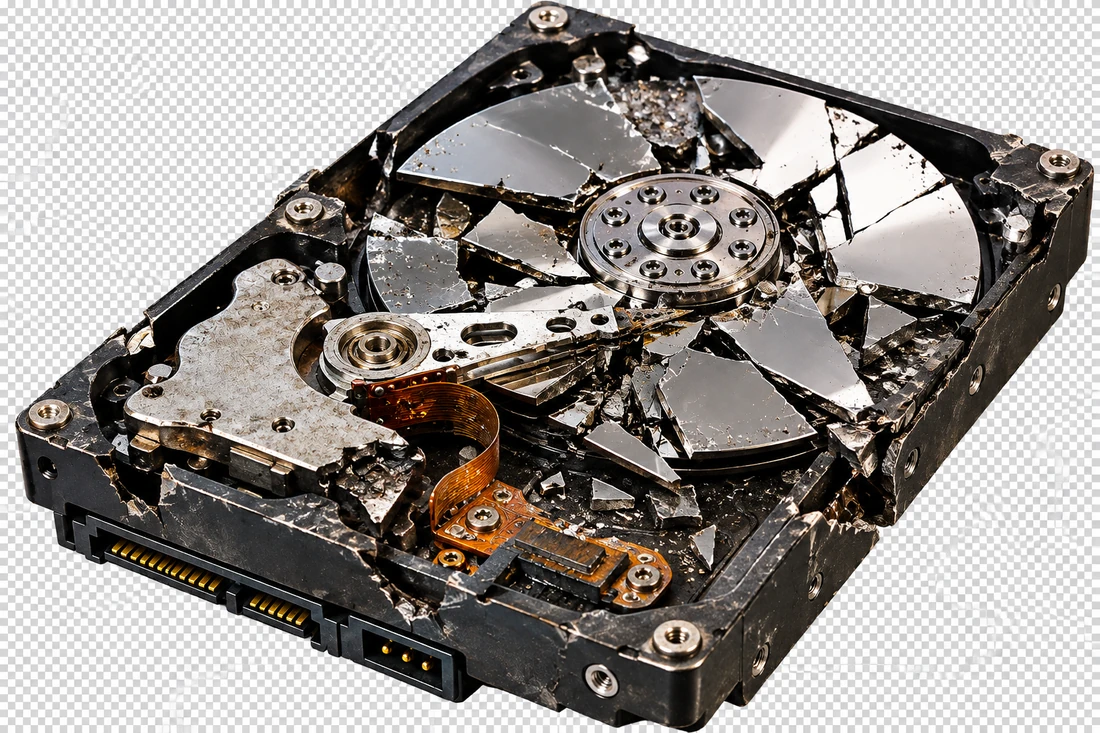
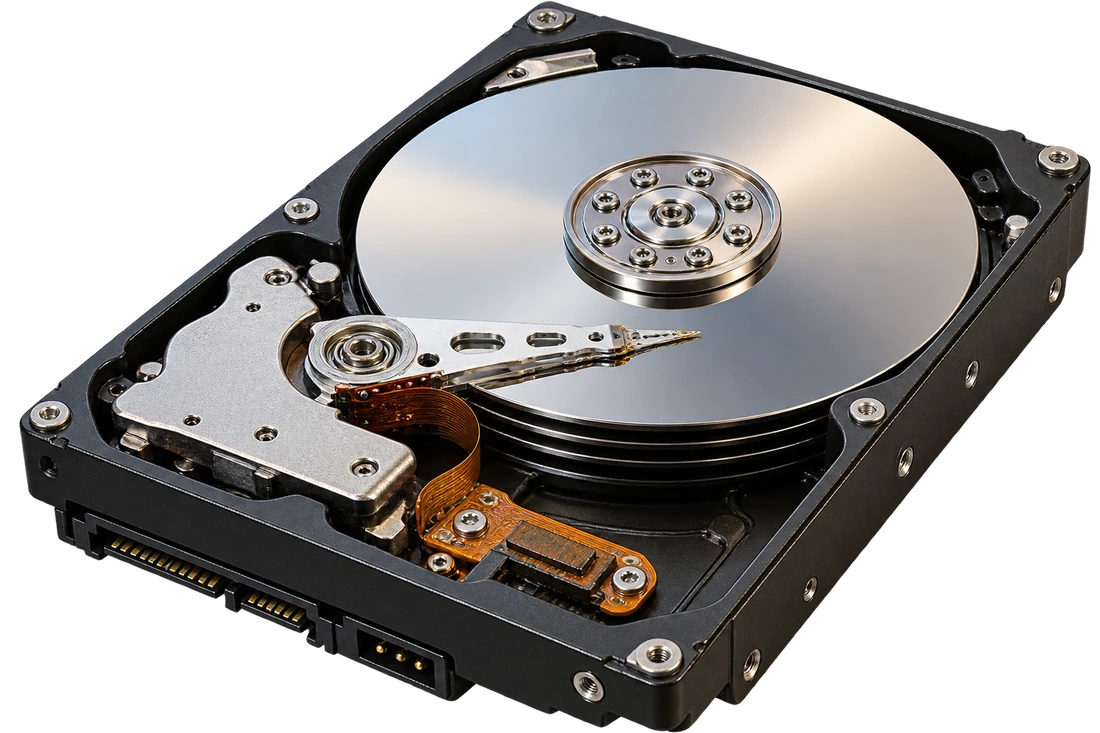
 Hover to see it fixed
Data recovery
Pulling files off drives that won’t boot — with an honest answer on what’s recoverable before anything is charged.
What’s included
- Recovery from drives that won’t boot or aren’t recognized by the computer
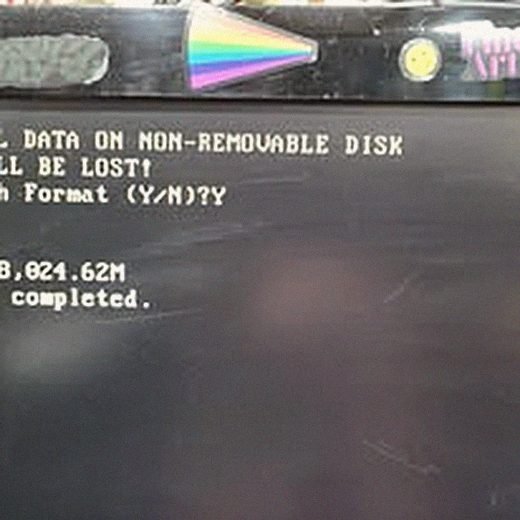
- Recovery after accidental deletion or formatting
- Recovery from drives that click, grind, or make unusual sounds
- External drive and USB stick recovery
- An honest assessment of what’s recoverable before any charge
Common problems
A drive that isn’t recognized by the computer at all is the most common data recovery case — and often the most recoverable, since the data itself is frequently untouched. It’s the drive’s electronics or file table that’s failed, not necessarily the data.
A drive that clicks or grinds is a mechanical fault, and it’s time-sensitive — continuing to power it on repeatedly can make things worse. Bringing it in as soon as the sound starts gives the best odds of a full recovery.
Accidental deletion and reformatting are usually recoverable if the drive hasn’t been written to since. The number one thing to do after realizing something’s gone is stop using that drive immediately.
From the bench
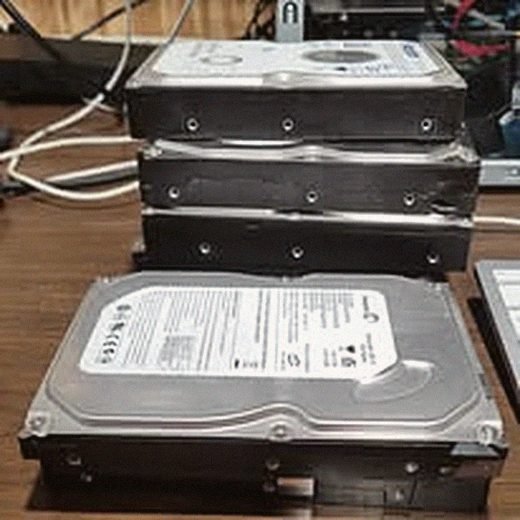
Real repairs, not stock photography.
What it costs
Diagnosis to determine what’s actually recoverable is done first, and you’ll hear the honest odds before any recovery work — and before any charge — happens. Straightforward logical recovery is generally affordable; physically damaged drives cost more depending on what’s required.